
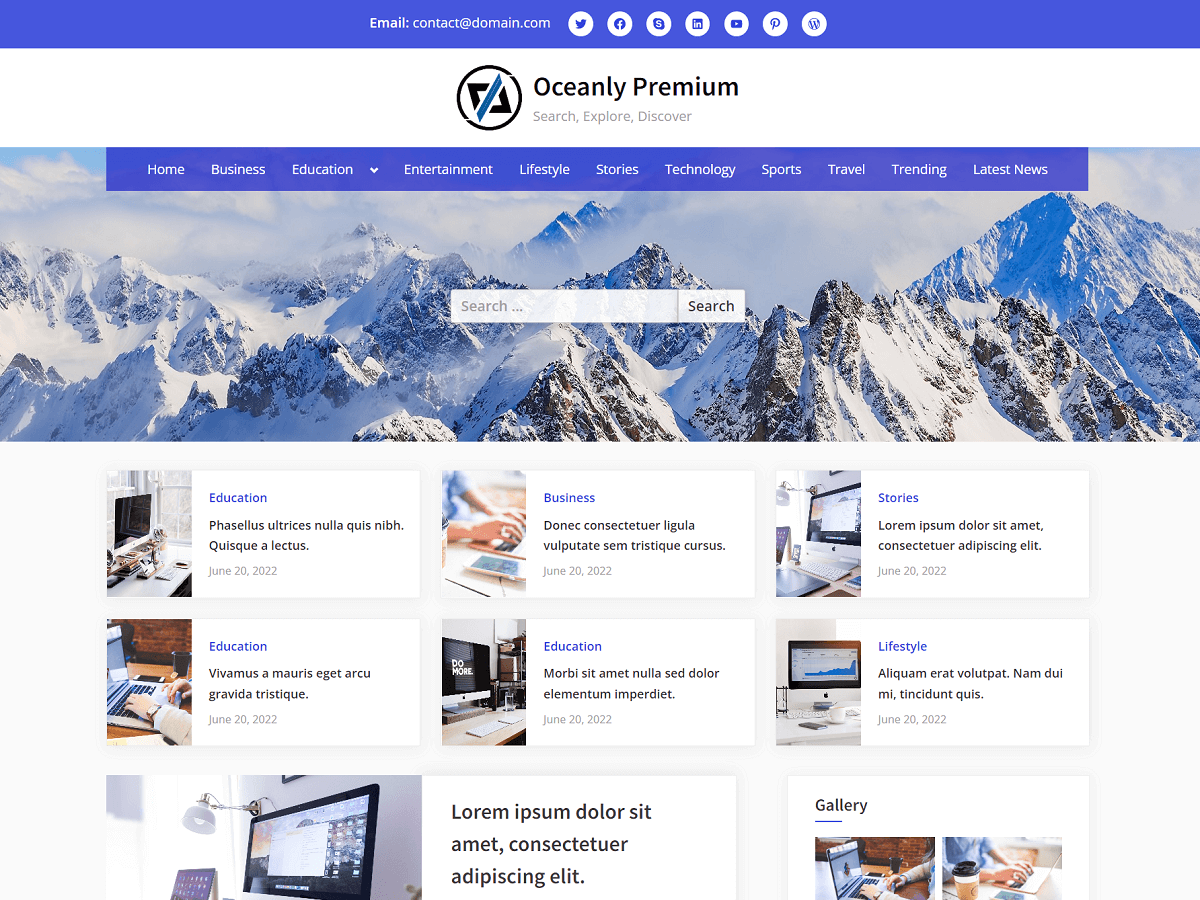
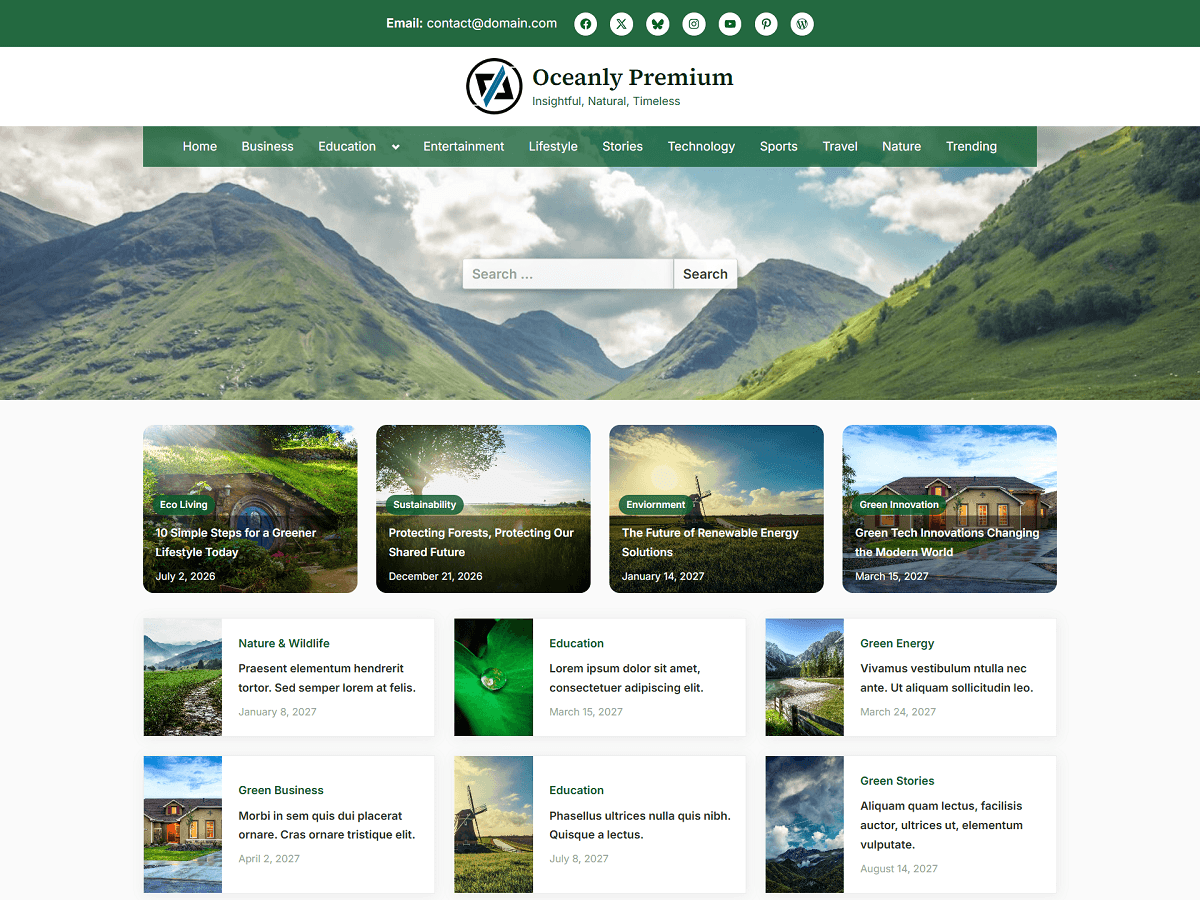
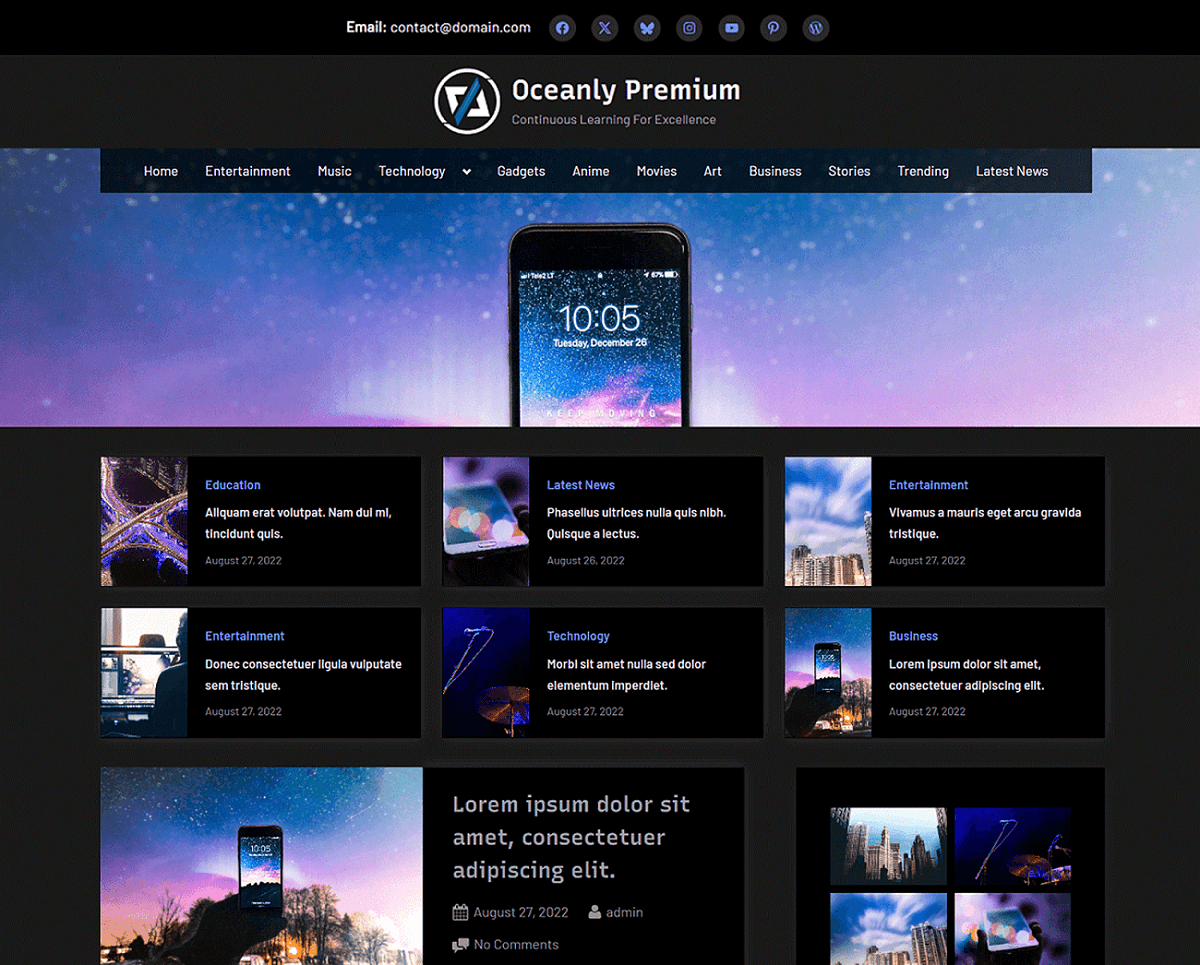
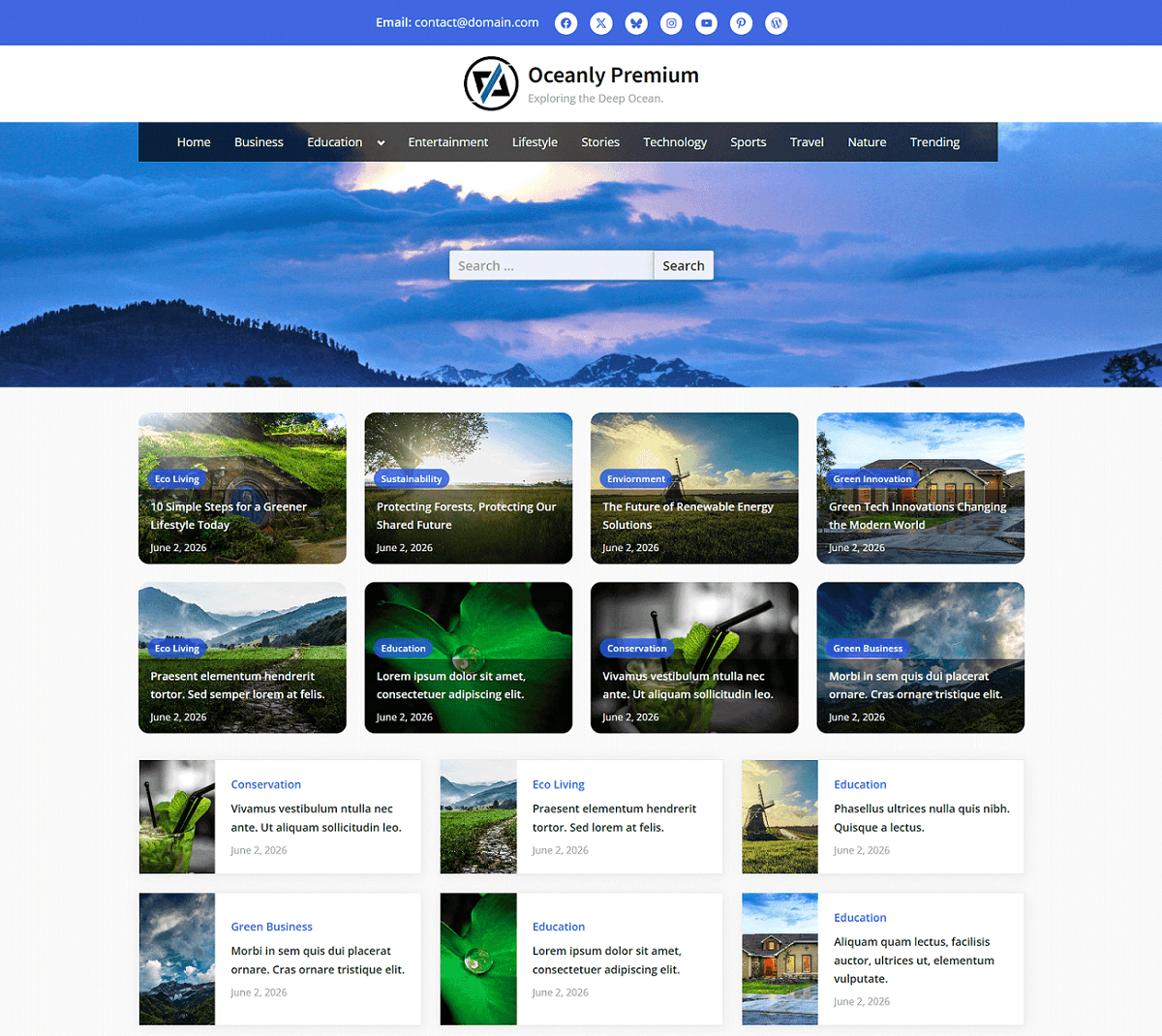
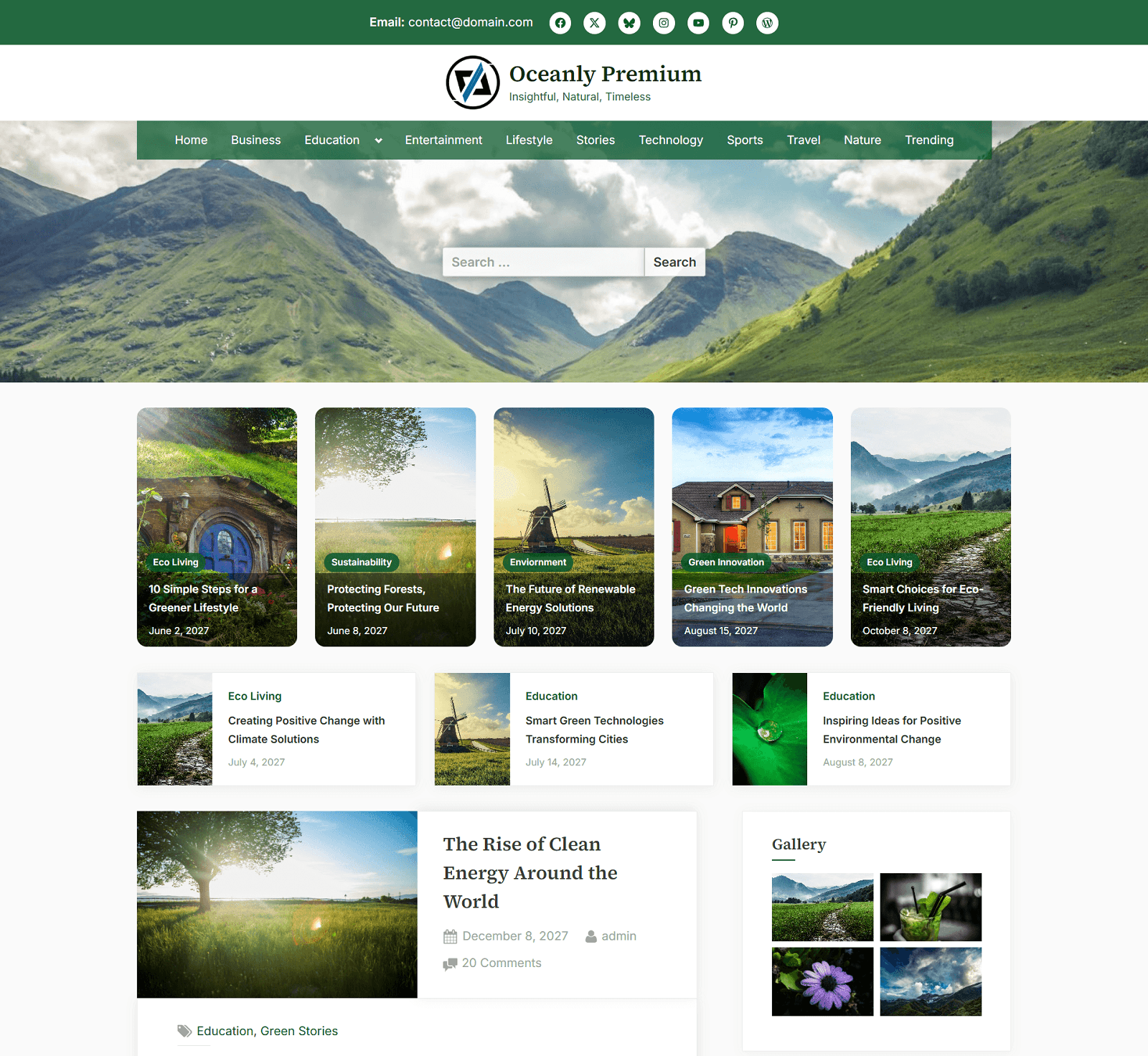
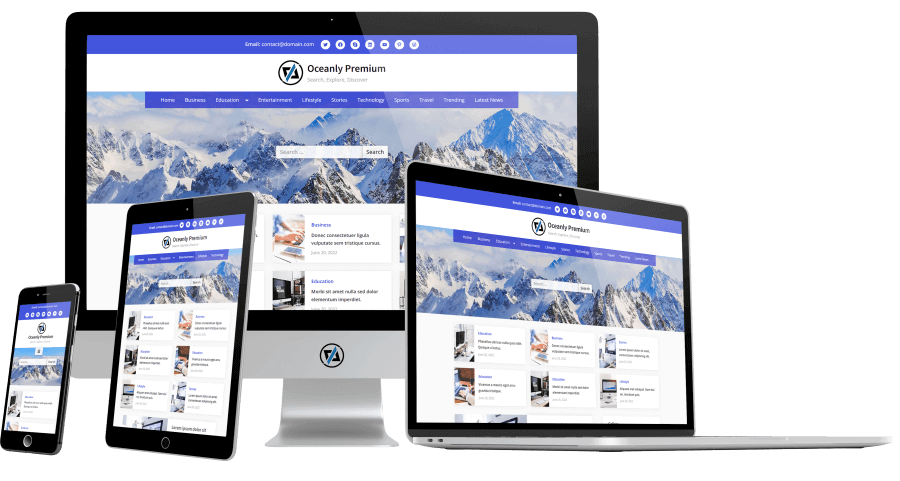
Oceanly Premium is a multi-purpose, fast-loading, and fully responsive WordPress theme which is great for news, blog, magazine, portfolio, and content-focused websites.
The premium theme offers multiple quick-start presets with custom theme colors, including both dark and light color schemes.
Also, the theme offers 4 different menu locations, social links in the header and footer, top bar with custom text, RGBA menu color, and block areas.
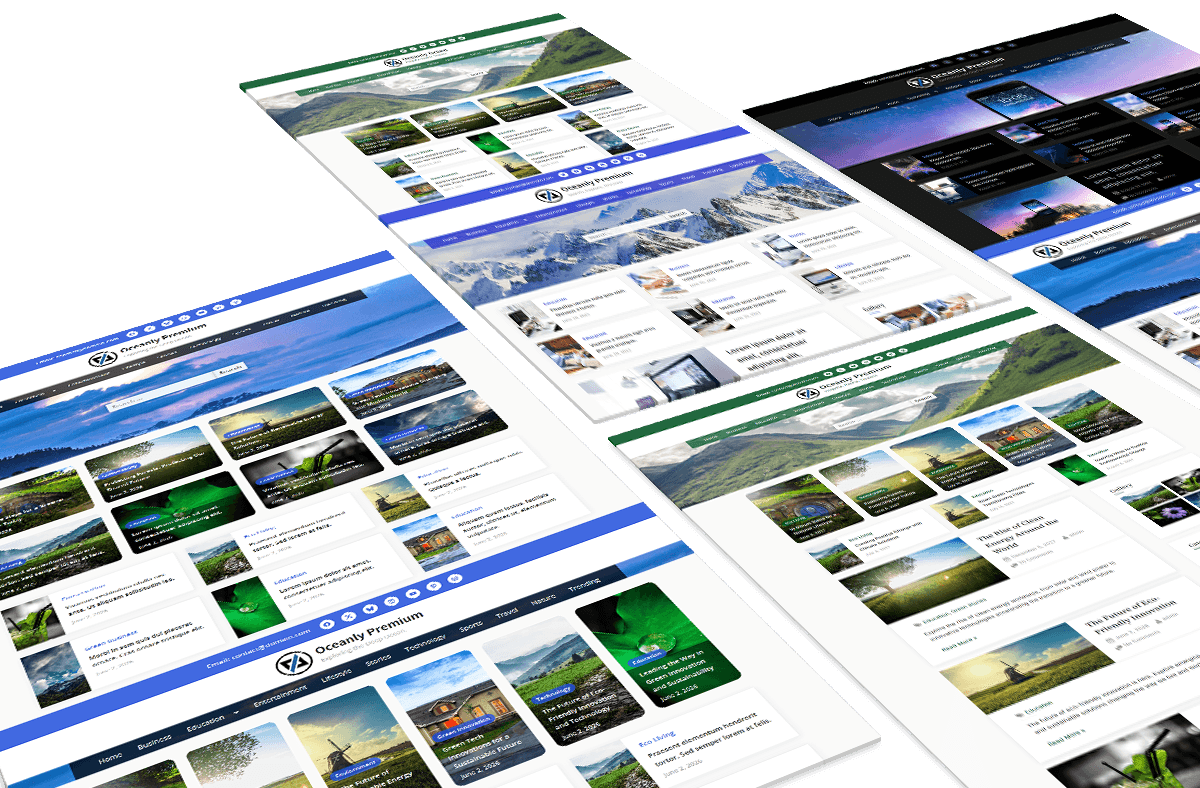
The premium theme comes with lifetime updates and offers a clean, minimal, and refreshing look with customizable colors and quick options to create your website fast and easy.
When you purchase the Oceanly Premium theme, you get the zip file of the theme under the account that you can download.
After, you can go to WordPress admin area “Appearance” > “Themes” > “Add Theme” > “Upload Theme”, select the zip file of the theme and upload.
Then, you can activate the “Oceanly Premium” theme in “Appearance” > “Themes”.
Frequently Asked Questions
Where to Find the Documentation Guide?
You can read the documentation of the Oceanly Premium theme. Also, for more frequently asked questions, you can check in here.
How to Set the Dark Color Scheme in Oceanly Premium theme?
Oceanly Premium is a flexible theme, you can make it dark by changing a few options. You can use also presets in “Appearance” > “Options Preset” to set the color scheme (light or dark).
How to Set the Featured Posts that are shown below the Header?
You can enable the featured posts from “Appearance” > “Customize” > “Featured Posts” > “Enable Featured Posts”. Also, you can specify the source of featured posts. The images for the featured posts are the featured images of posts that you can individually set for each post in the post editor sidebar under the tab panel, Post > Featured image.
For more frequently asked questions, you can check in here for questions related to the Oceanly theme.