
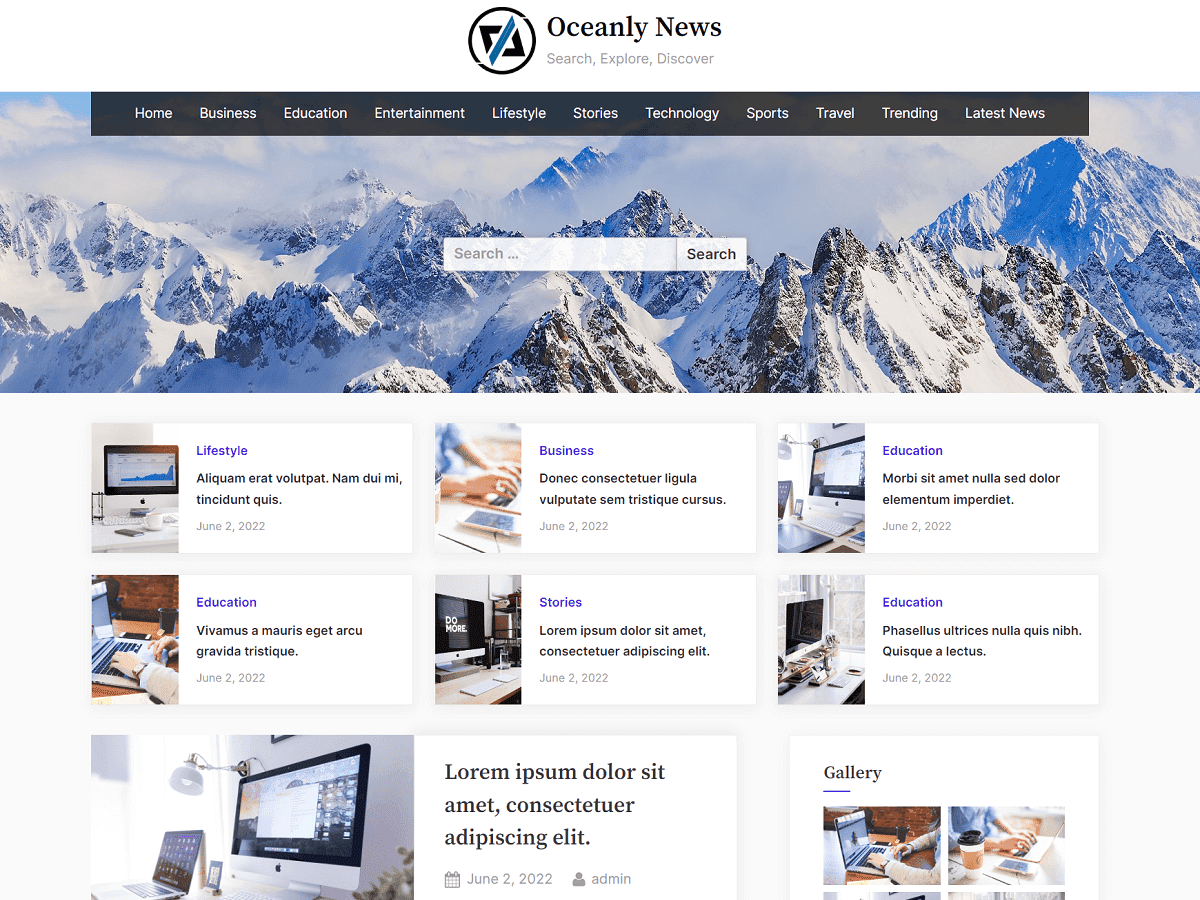
Oceanly News is an elegant, multipurpose theme that is perfectly suited for educational websites, business promotion, consultancy, agency, travel, finance, corporate, affiliate websites, institutions, schools, academy training, e-learning platforms, and online shops.
The theme comes with SEO-optimized breadcrumbs navigation, and accessible multi-level dropdown menu, clean typography, and a mobile-friendly layout design.
The components of the theme include a sidebar, and footer widgets area for placing any blocks including advertisement banners scripts like Google Adsense.
Oceanly News offers a featured posts section that gives a magnificent and eye-catching look. This is great for photography websites, videos, and educational materials like documentation, and tutorials. This theme is dependency-free, SEO-friendly, and lightweight that can be a great starting point for creating professional, fast, and powerful websites.
Frequently Asked Questions
How to create a Social Links Menu?
You can create a menu from “Appearance” > “Menu”. For the social links menu, create “Custom Links” for menu items. For URL in a custom link, enter your social page URL. Finally, assign this newly created menu to a menu location “Social Links Menu”. Then, the social links will be shown in the footer.
If you want to show the social links menu in the header, then you can check our premium version. The header social links with the top bar are available in the premium version.
How to Configure the Featured Posts Section?
You can configure the featured posts in “Appearance” > “Customize” > “Featured Posts”.
For more frequently asked questions, you can check in here for more questions related to the Oceanly theme.